You can upload common formats like JPG, PNG, WEBP. Export your final meme as PNG or JPG.
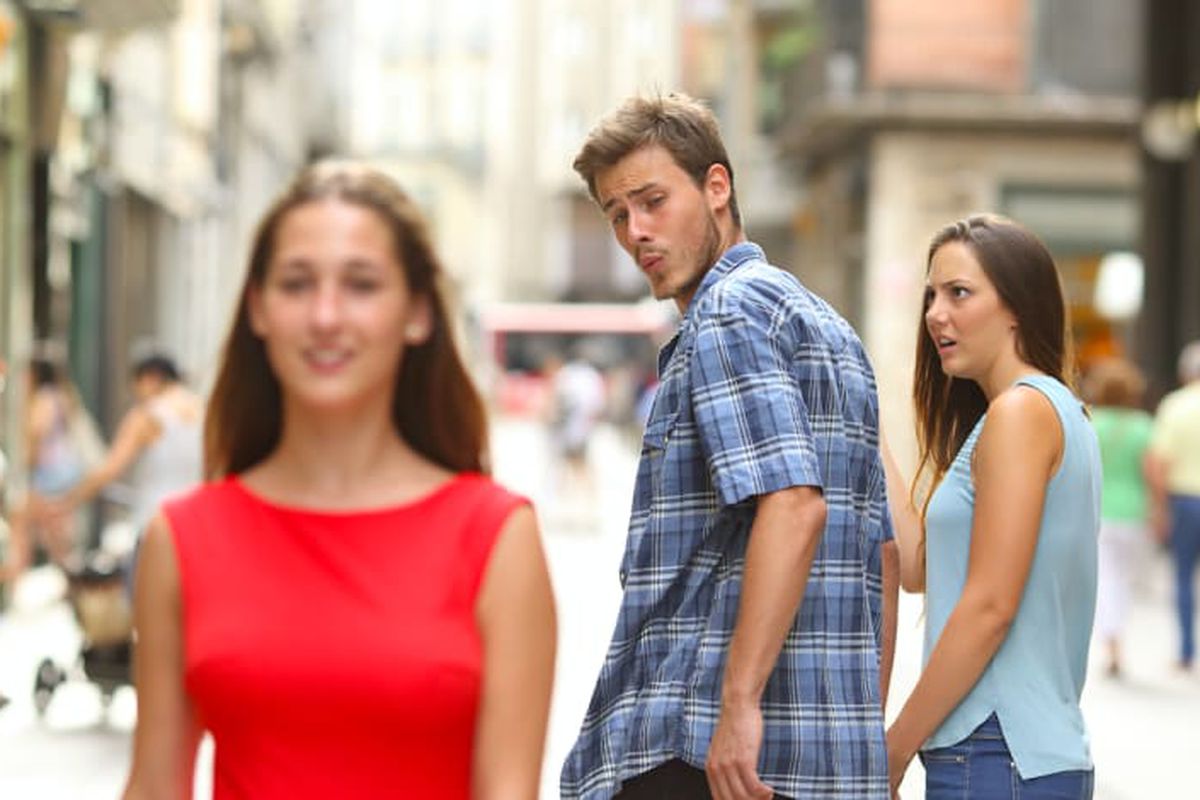
Start from famous meme templates or upload your own image, GIF cover, or screenshot.
Add classic meme text with Impact-style font, white fill, and black stroke for instant readability.
Move text blocks anywhere on the canvas, resize handles included—fine control on desktop & mobile.
Set font, size, align, line-height, outline thickness, and add emojis 🔥 quickly.
Download crisp, watermark-free memes. Choose PNG for sharp text or JPG for smaller size.
Everything runs locally in your browser—no uploads or watermarks. Make as many memes as you want.
Create viral-ready memes with bold Impact text and clean outlines—right in your browser.
Answers about templates, text styling, exports, privacy, and best practices.
You can upload common formats like JPG, PNG, WEBP. Export your final meme as PNG or JPG.
Yes—drag to reposition, use handles to resize, and align left/center/right as needed.
No. The generator runs fully in your browser and exports watermark-free images.
Yes—use square (1:1), portrait (4:5), or landscape (16:9) canvas options if provided, or upload an image already sized for your platform.
Use images you have the right to use. Some memes may be protected by copyright or trademarks. This tool doesn’t provide legal advice—check your local laws and the platform’s rules.